Since version 7.0 released in February 2023, the application files are no longer stored in the sailgrib directory of the main memory of the device.
Google forces us to put them in a hidden directory ( /storage/emulated/0/Android/data/com.sailgrib_wr.paid/files/sailgrib/) .
The most visible consequence for users is that if you save a grib file from an email for example, it is no longer directly visible by SailGrib WR.
You have to import it.
To do this, we have created a new Menu “Import a file”.
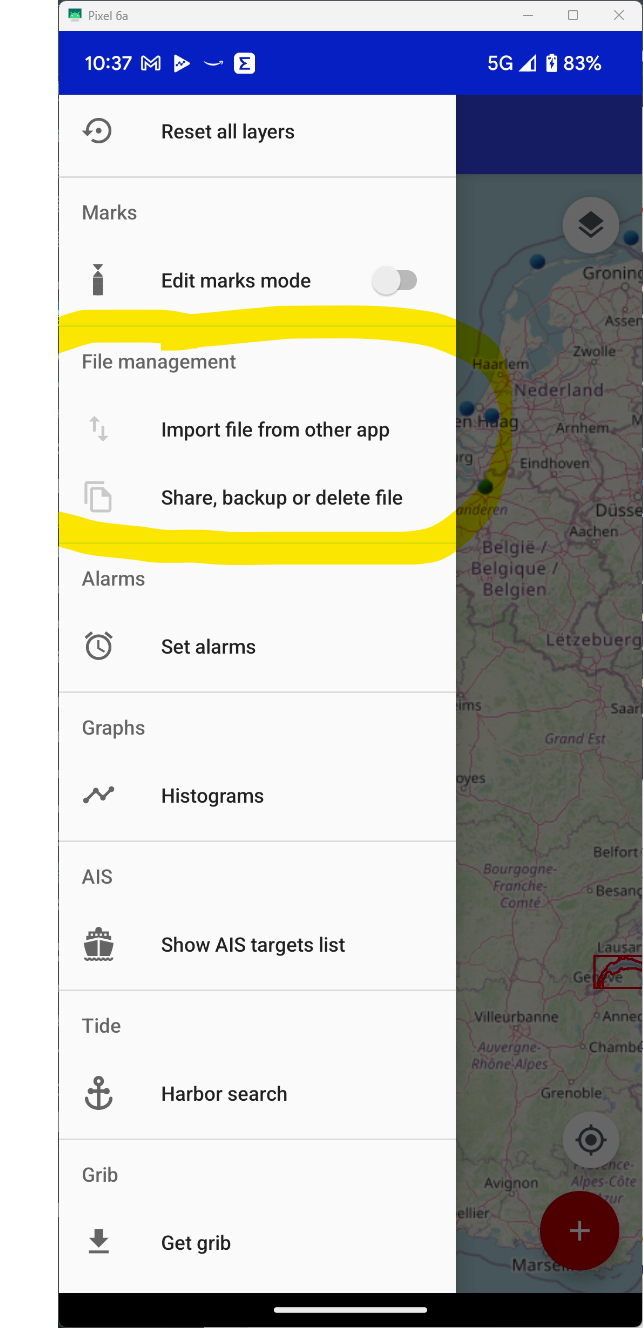
The application will search for files by default in the Download directory.
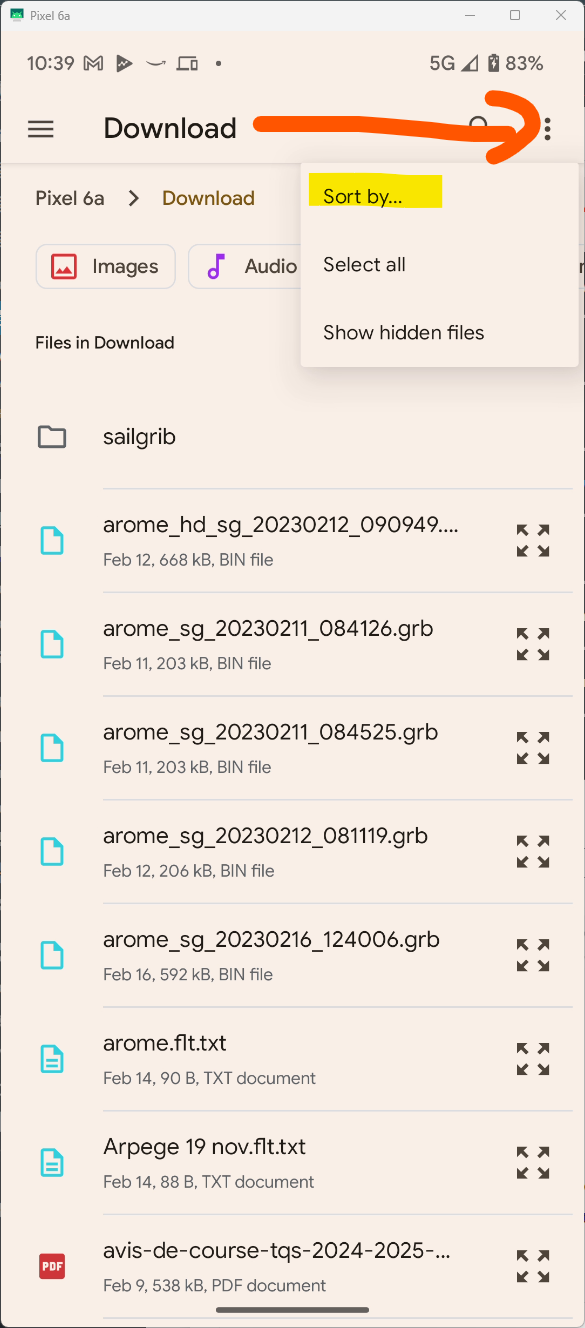
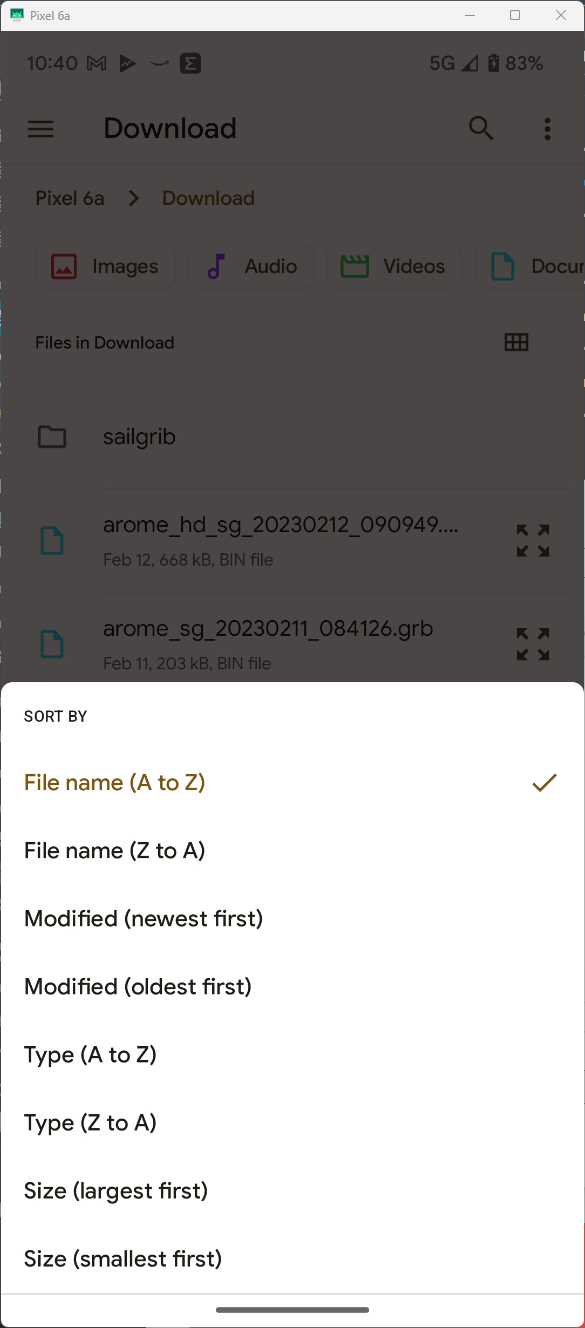
You can sort them by date to have the most recent files at the top of the list
Choose the file to import, it will be copied and available in the application.