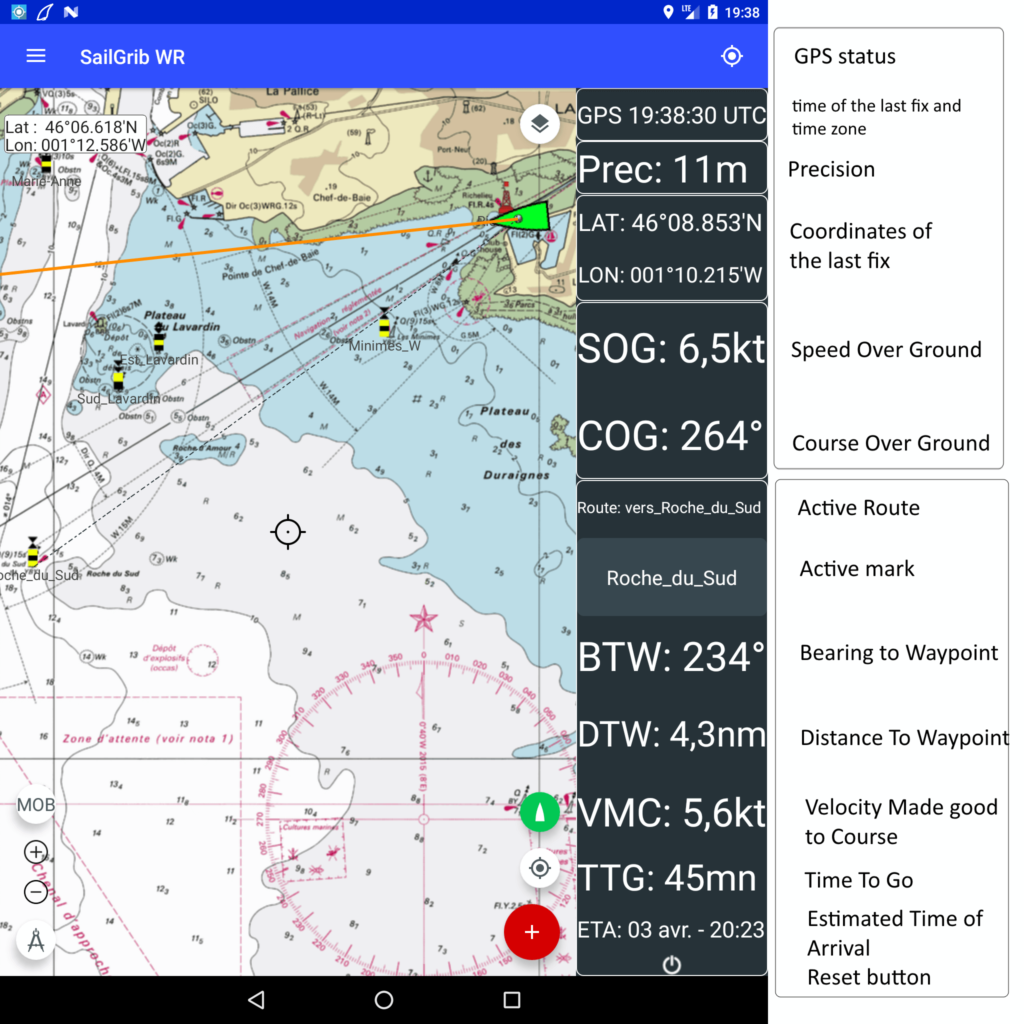
SailGrib WR can display your location and track in real time. The track is recorded in a service, allowing you to put the application in the background while continuing to record the track .
The navigation panel appears when you activate the GPS in the menu.
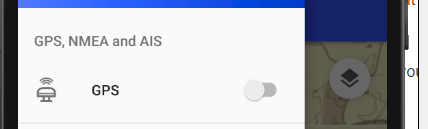
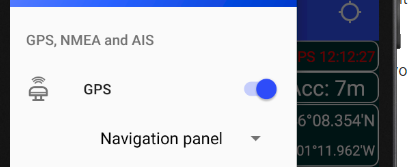
Once activated, you can hide or show the navigation panel by pressing the boat button:
 the panel is displayed
 the panel is hidden
The navigation panel gives the following information:
Le panneau de navigation donne les informations suivantes :
- The time of the last GPS position fix
- The accuracy of the position and the number of satellites used for the last fix if available
- The coordinates of the last fix,
- The Speed Over Ground and Course Over Ground
- The name of the active route. If you have run a routing, the corresponding route is automatically activated.
- The name of the active mark or waypoint. If you have run a routing, you can select any waypoint of the underlying route. By default, the second waypoint is activated; the first one being the starting position.
- The Bearing To Waypoint
- The Velocity Made good to Course which is the boat speed to the active mark.
- The sailing Time To Go to the mark and Estimated Time of Arrival
- A reset button to deactivate the active mark