Activities
You navigations belong to one activity.
You can create as many activities as you want. For example: Cruising, Racing, Training…
To create an activity, press the + button under the last created activity.
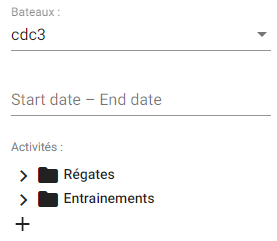
NavigationWhen you activate the Navigation mode in SailGrib WR, a new navigation is created in Navygatio in the activity selected in SailGrib’s Navygatio Settings screen.
This new navigation is immediately added to navygatio.com.
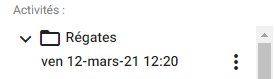
When you point your mouse on a navigation, 3 dots appear on its right side which allow you to open a menu.
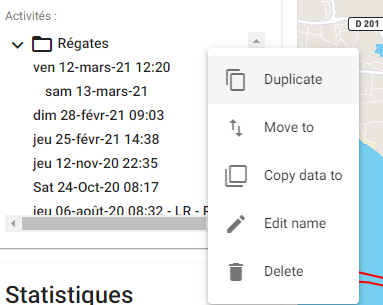
You can then:
- duplicate it
- change the activity
- add it to another navigation
- rename it
- delete it