Data are displayed either on a NMEA panel to the right of the screen or on the navigation panel. The panel can display 5 NMEA parameters in addition to the time of the last received NMEA message. The navigation panel button  also controls the display of the NMEA panel. To start the service, press the button.
To start the service
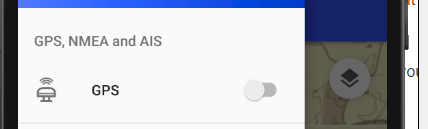
- activate the GPS in the menu
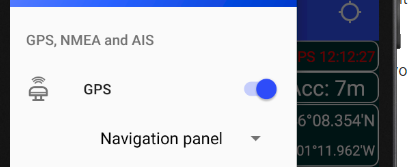
- Press the
button. It will change from green to orange and the panel will display NMEA data.
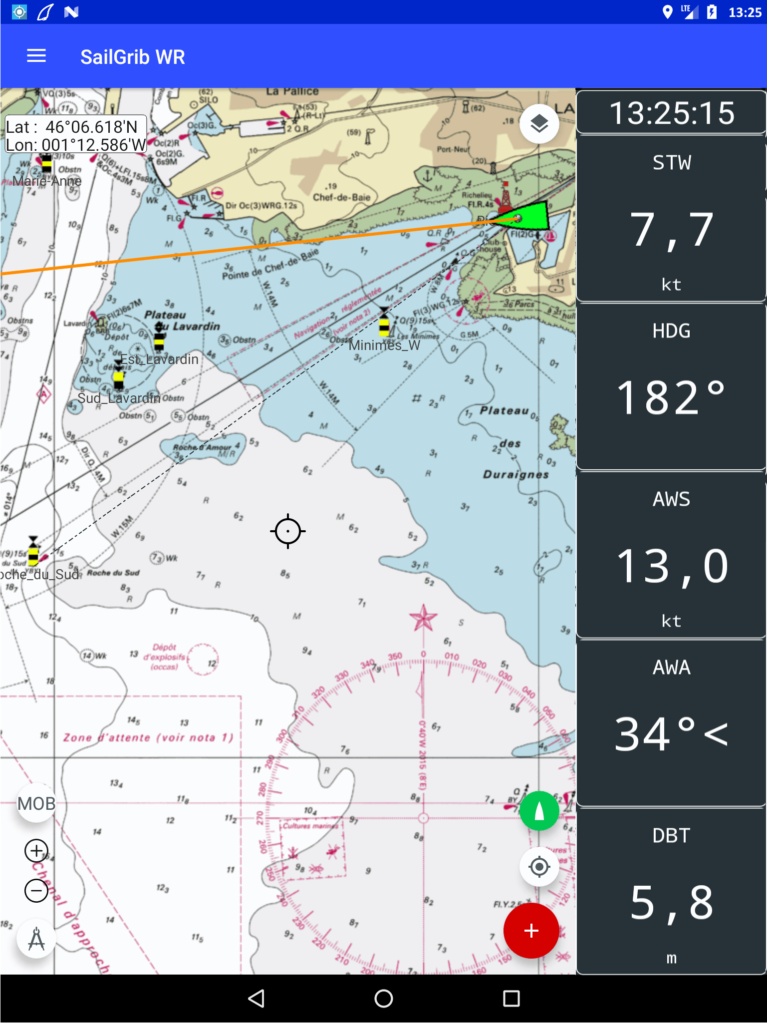
When the service is active, the  icon is displayed in white in the notification bar of your Android device at the top left of the screen. You can put the SailGrib WR application in the background while keeping the service active.
Warning: if you kill the application from the list of active applications, the NMEA service will be stopped. This is a change for version 3.0, in previous versions the data service was still running. Many users forgot it and saw the battery of their device run out…
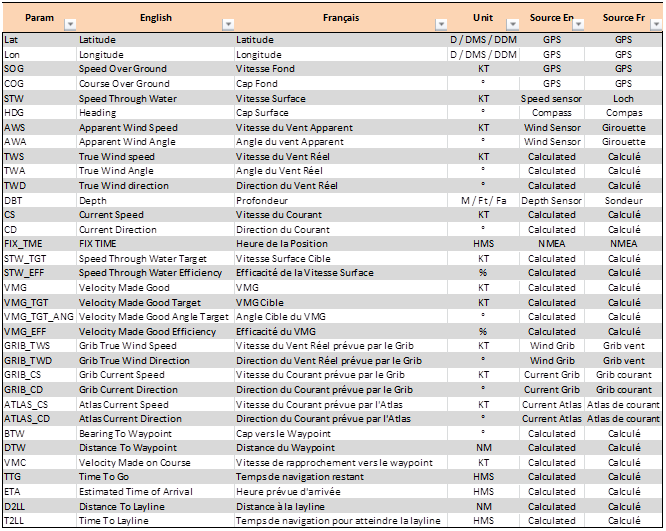
You can choose the data for each of the 5 views from a list of parameters.
Note that for the performance data, the polar chosen in the routing menu is used.
Find in the below table the list of the parameters you can display.