SailGrib displays OpenStreetMap raster maps tiles which do not contain information on whether a point is on land or at sea. SailGrib uses a coastline file to calculate if a point is at sea or inland. These calculations are quite heavy. The more detailed the coastline file, the longer the calculations.
We have implemented several coastline files:
- a rough worldwide coastline that should work fine for most passages. It does not contain all islands or peninsulas (Porquerolles, Ile de Ré, Quiberon, …)
- more detailed regional coastline : Europe, the Caribbean, North America, South America, Western Pacific, Eastern Pacific, Oceania, Asia, Africa, which should be sufficient in the vast majority of cases.
- even more detailed local coastlines for specific sailing areas : Mediterranean Sea, Atlantic Coast of Europe, France Atlantic and Mediterranean coasts, the US East coast and the US West coast.
- a coastline file for the US Great Lakes
Using the more detailed coastlines affect the performance of the app. We have implemented an “Auto” option which chooses for you which file to use depending on the routing parameters. The app will choose between the world coastline, the regional ones or the local ones. Of course, you can choose a specific coastline file as well.
For long offshore passages, you can speed up the calculations even more by setting the Land avoidance flag to false. This is useful for example for a transatlantic passage.
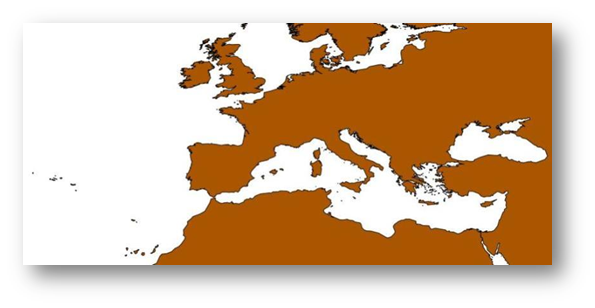
Here is the coastline approximation for Europe using the worldwide coastline.
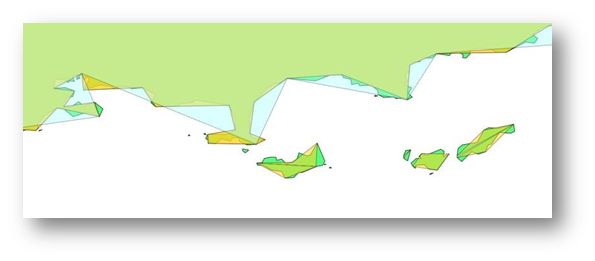
And a more detailed view of the French coastline close to Toulon with a comparison of the worldwide coastline, the regional one (Europe) and the local one.