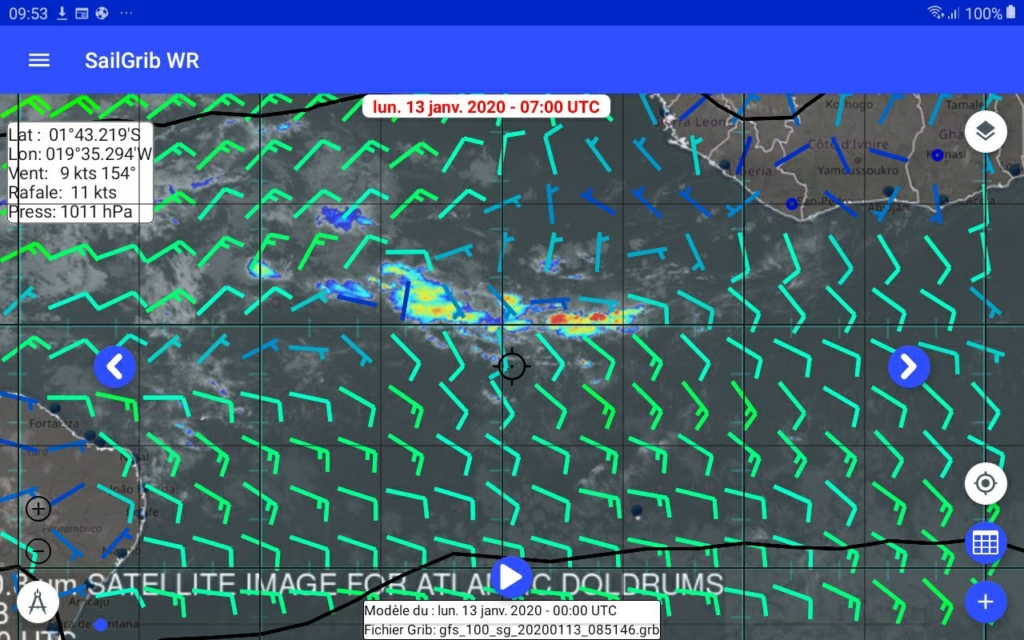
The sat images are saved in the “download” directory of your Android device.
Open the menu and choose “Open a satellite image”.
Choose the image from the list. Note that the validity date and time have been saved.
Set the transparency level of the image from 0 for no transparency to 100 for invisible.
Press the Open button to display the image in the application.