Get a satellite image
- Open the menu
- Select Get satellite image
- Select from the drop-down menus:
- Zone: Atlantic, Pacific…
- Source: Eumetsat, NOAA
- Image type: Natural color, Visible, Infrared, Precipitation
- Choose:
- Request by Direct download if you are on the Internet or if you are using an Iridium Go while offshore
- Email if you want to make the request by email via SailDocs and an Iridium Go (backup solution)
- Press theMake Satellite image Request button.
The files are very small (100 to 160 kb) and take 1 to 2 seconds to download in WiFi or 4G
It will take from 10 to 15 minutes with an Iridium Go.
- The image is displayed.
- The image is in the Web Mercator projection and can be displayed on the main SailGrib WR map.
The chart must then be synchronized.
As the message indicates, you must match the date and time of validity to the “Valid Date” displayed in the chart inset. Note that the times are always in UTC. 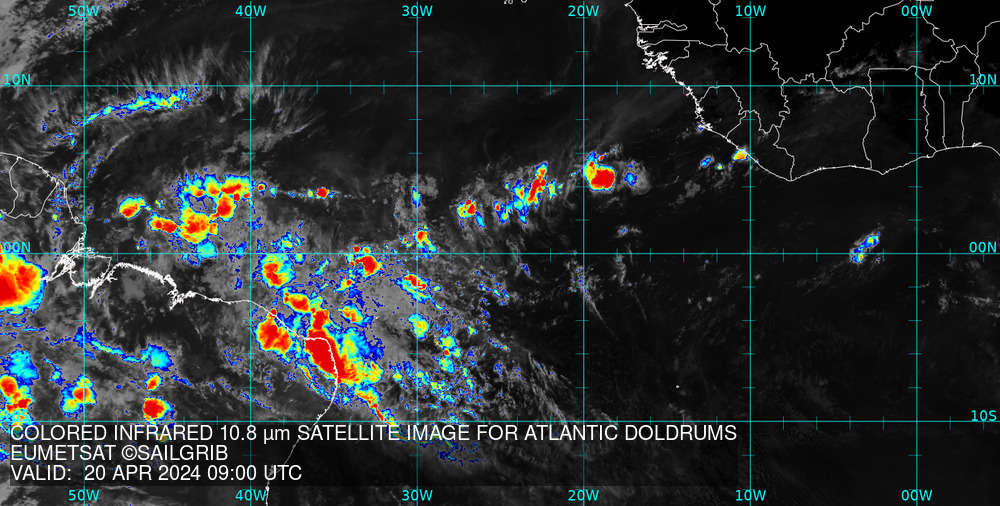
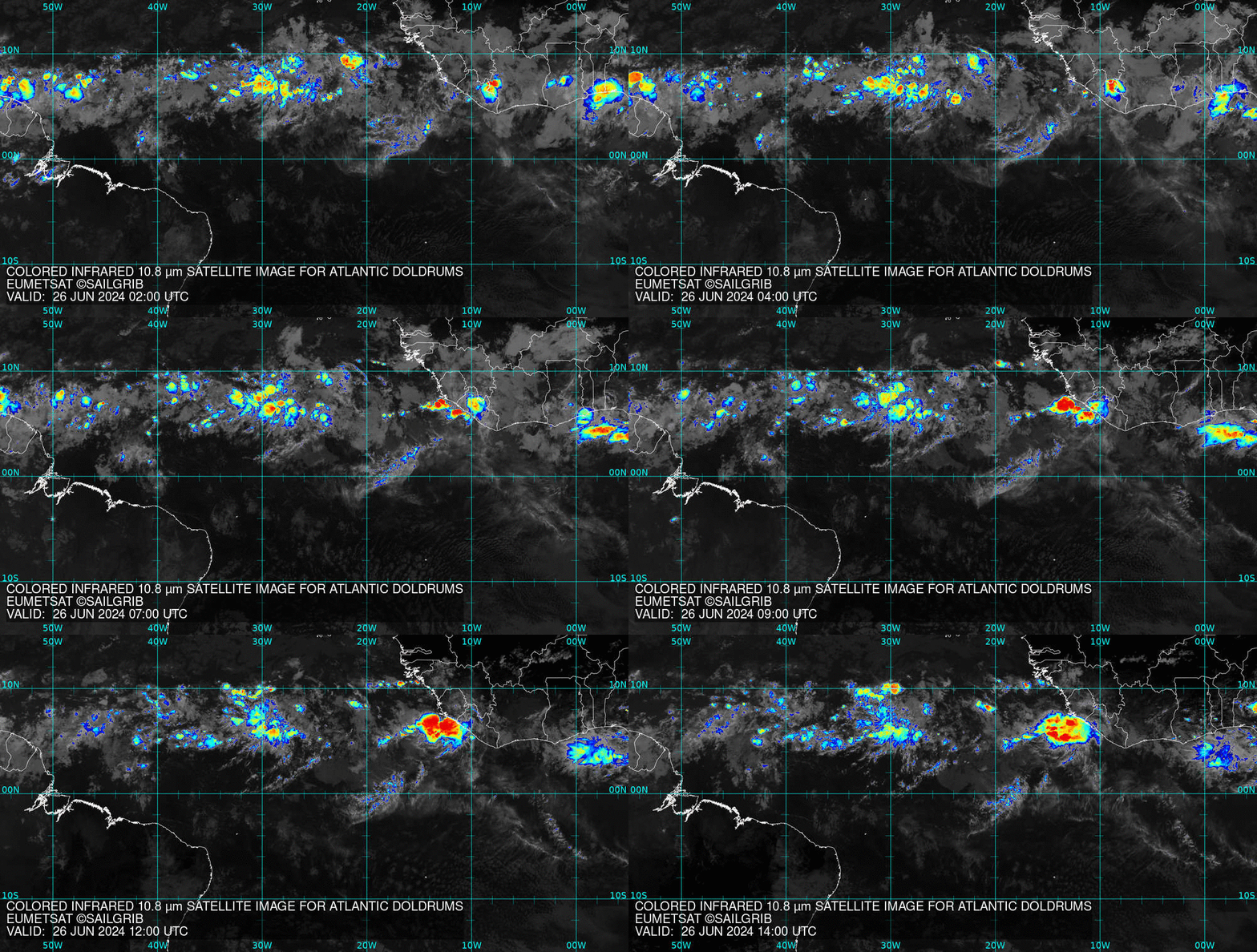
- If you are on the Internet, you can also view an animation of the last 12 hours which will allow you to better understand the evolution of the situation.
- Set the transparency level of the image from 0 for no transparency to 100 for invisible.
- Press the Open button. The map opens on the main map of the application.
Last updated: 13 January 2020