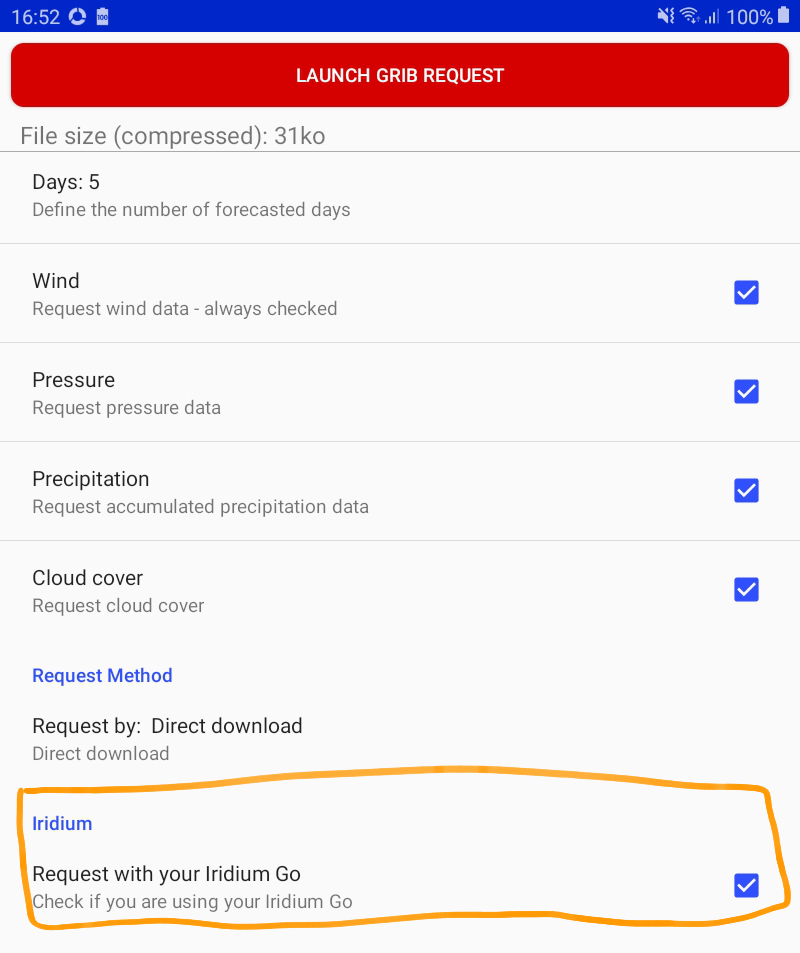
At the beginning of navigation, check the option Request with your Iridium Go in the grib request menu.
Center the map
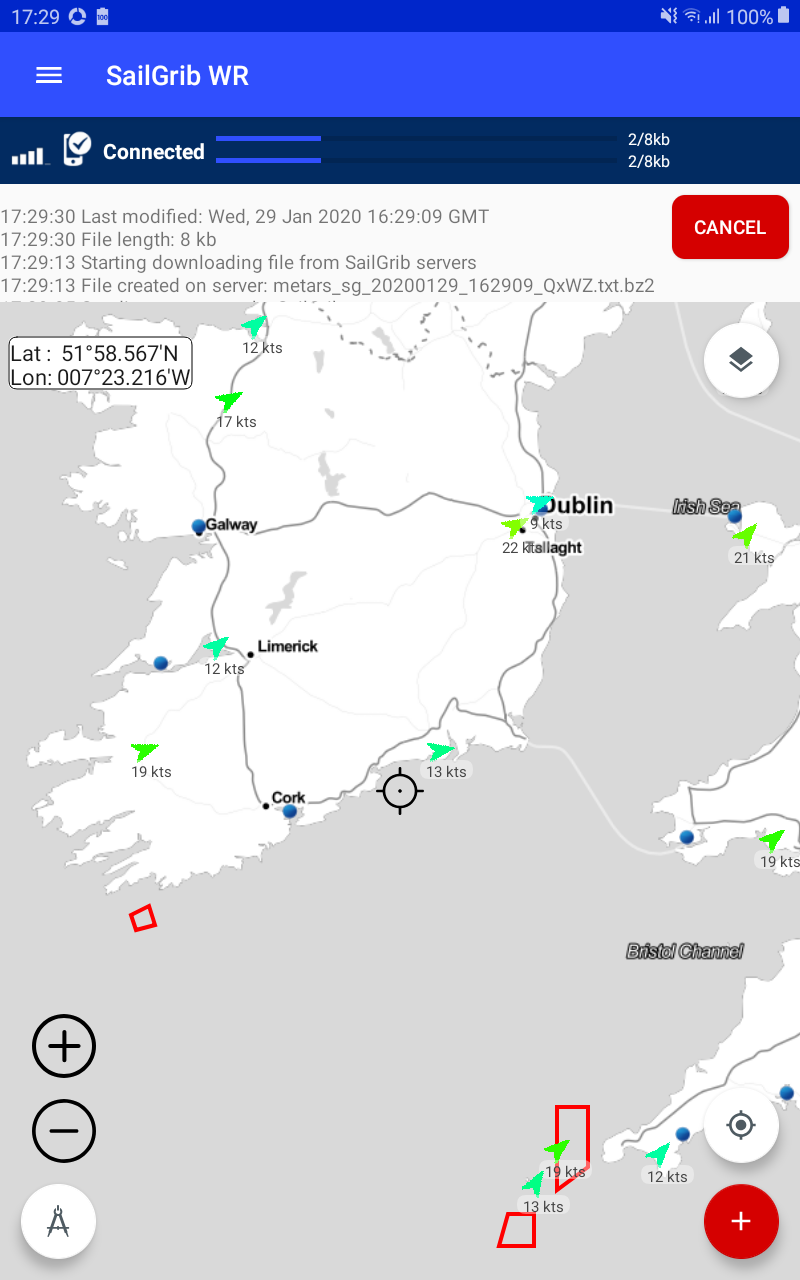
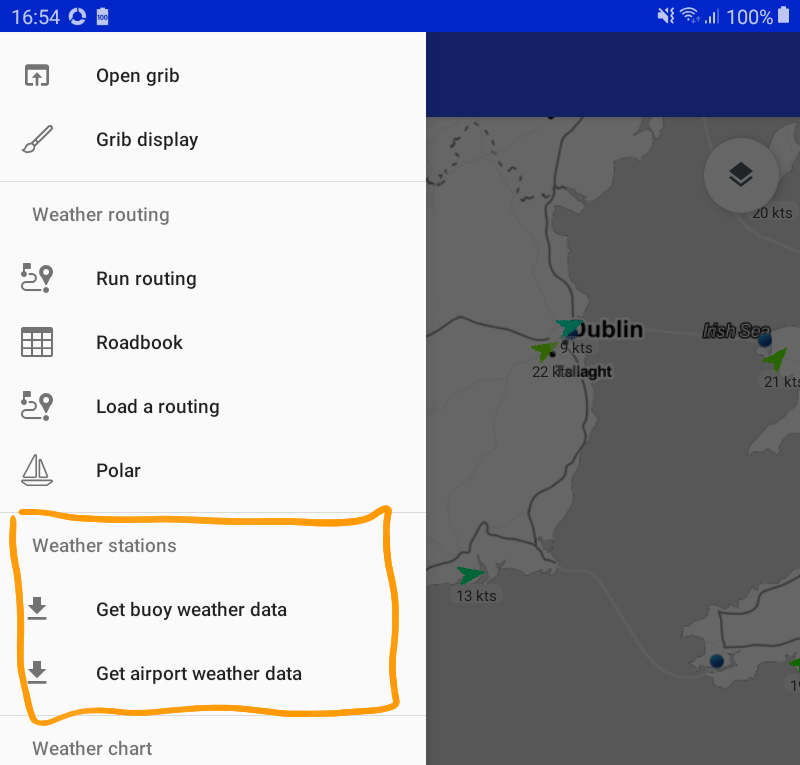
Open the menu and select Get buoy weather data or Get airport weather data.
The query is launched, the file is downloaded and its data is displayed. The files will be very small, in the range of 1 kb to 10 kb and should take one minute to load.