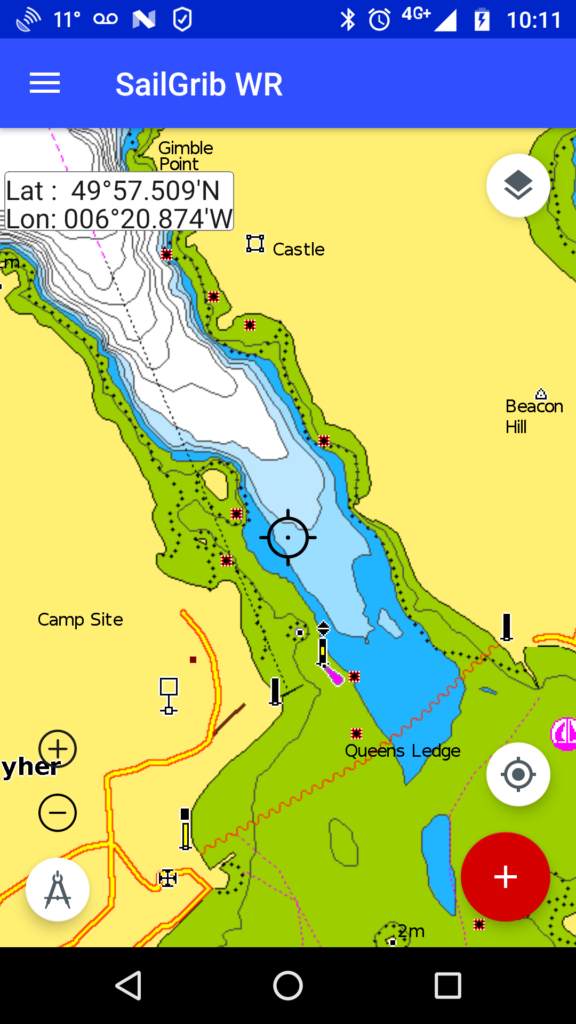
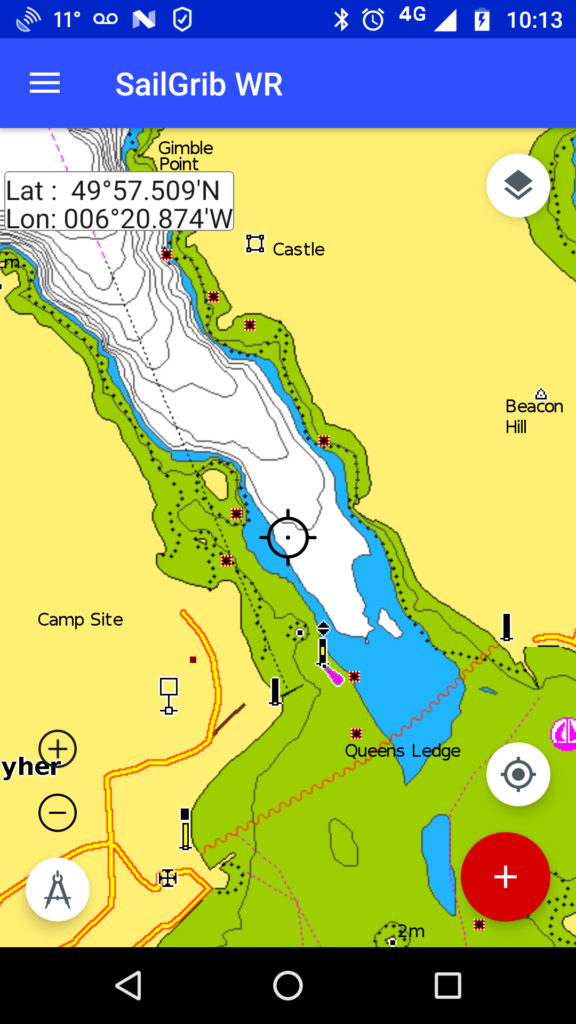
Yes you can. Go to Settings > Charts and pick the number of units for the “Depth area visibility threshold”.
This is very convenient. If you boat draught is, for example, 1.9 meters, set the parameter to 2 meters. Then, if the chart is white, you are always Ok, if it is blue, you have to do your tide calculation.
Here are two screenshots of the mooring between Tresco and Bryher in the Scilly islands with a parameter set at 5 meters and another set at 2 meters.